Did you know that approximately 15% of the world’s population, or over 1 billion people, live with some form of disability? In the digital age, where websites and online services play an increasingly integral role in our daily lives, ensuring accessibility for all users is not just a moral imperative but a practical necessity.
What isWeb Accessibility?
Web accessibility refers to the inclusive practice of designing and developing websites and digital tools that can be accessed and used by everyone, including people with disabilities. Yet, despite the widespread acknowledgment of its importance, many websites still fall short in providing a truly inclusive experience.
This raises a critical question: Why does web accessibility matter? Beyond meeting legal requirements, discussing the significance of accessibility sheds light on its profound impact on individuals’ lives and the broader digital landscape. By understanding why accessibility matters, we can cultivate a mindset of inclusivity and take meaningful steps towards building a more accessible online world.
Why isWeb Accessibility Important?
In today’s digital era, web accessibility isn’t just a buzzword; it’s a fundamental aspect of creating an inclusive online environment. Let’s delve deeper into why accessibility is important:
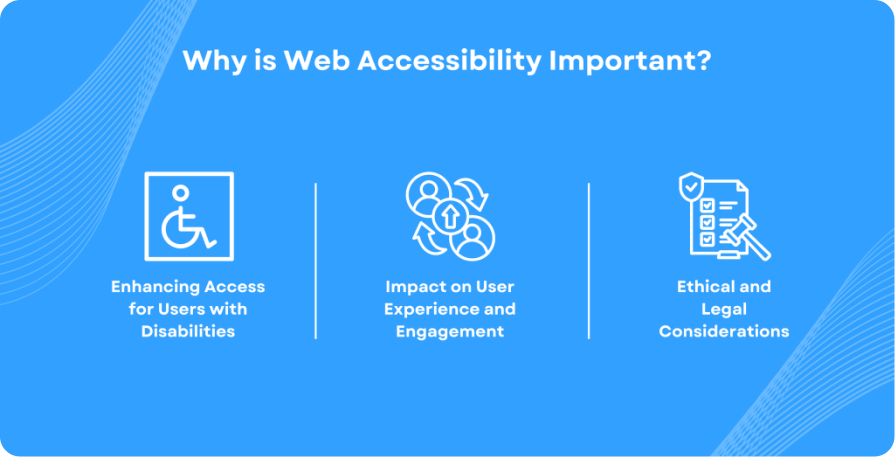
Enhancing Access forUsers with Disabilities:
According to the World Health Organization (WHO),over 2.2 billion people worldwide have a vision impairment or blindness. For them, accessing digital content can be challenging without proper accommodations.
People with motor disabilities, cognitive impairments, or hearing impairments also face barriers when interacting with inaccessible websites.
Accessibility isn’t just about accommodating individuals with disabilities; it’s about empowering them to participate fully in online activities, access information, and engage with digital services on an equal footing with others.
Impact onUser Experience and Engagement:
Studies have shown that inaccessible websites lead to frustration and dissatisfaction among users with disabilities. According to a WebAIM survey, 98% of websites have accessibility issues, contributing to a poor user experience.
Inaccessibility can lead to increased bounce rates, decreased user engagement, and ultimately, loss of potential customers or users. For businesses and organizations, this translates into missed opportunities for growth and revenue.
Conversely, prioritizing accessibility can improve user satisfaction, retention rates, and overall brand loyalty, as it demonstrates a commitment to inclusivity and user-centric design.
Ethical and LegalConsiderations:
Beyond the moral imperative of ensuring equal access for all, there are legal obligations to consider. Many countries have enacted laws and regulations that mandate web accessibility, such as the Americans with Disabilities Act (ADA) in the United States and the Accessibility for Ontarians with Disabilities Act (AODA) in Canada.
Failure to comply with accessibility standards not only violates these laws but also risks damage to a company’s reputation and potential legal repercussions, including lawsuits and financial penalties.
In essence, the importance of web accessibility extends far beyond compliance checkboxes; it’s about creating a digital landscape that is inclusive, equitable, and welcoming to all users, regardless of their abilities or disabilities. By understanding and addressing the impact of inaccessible websites, we can strive towards a more inclusive online environment for everyone.
Defining Web Accessibilityand Its Key Components:
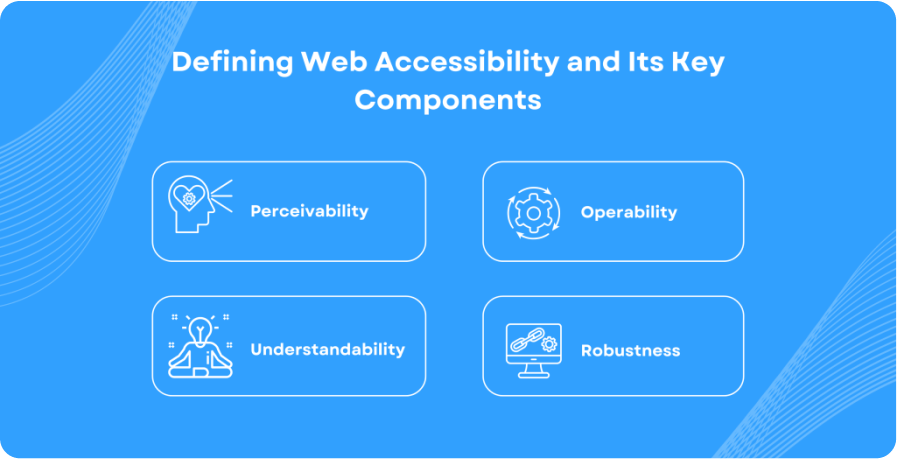
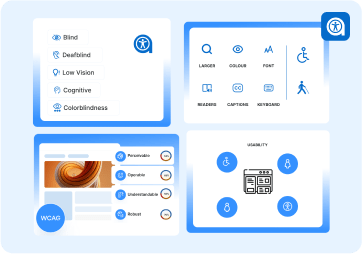
Web accessibility is the practice of designing and developing websites, tools, and technologies so that people with disabilities can use them. This means that these websites should be perceivable, operable, understandable, and robust for all users, regardless of their abilities or disabilities. Key components of web accessibility include:
Perceivability:
Information and user interface components must be presentable to users in ways they can perceive. For example, providing text alternatives for non-text content allows screen readers to describe images to users who are blind.
Operability:
User interface components and navigation must be operable. This means that users should be able to interact with all controls and interactive elements using various methods, such as keyboard navigation for those who cannot use a mouse.
Understandability:
Information and the operation of the user interface must be understandable. This involves creating content that is readable and predictable, helping users understand and operate the interface easily.
Robustness:
Content must be robust enough to be interpreted reliably by a wide variety of user agents, including assistive technologies. This ensures that as technologies evolve, the content remains accessible.
Common Digital AccessibilityStandards and Guidelines:
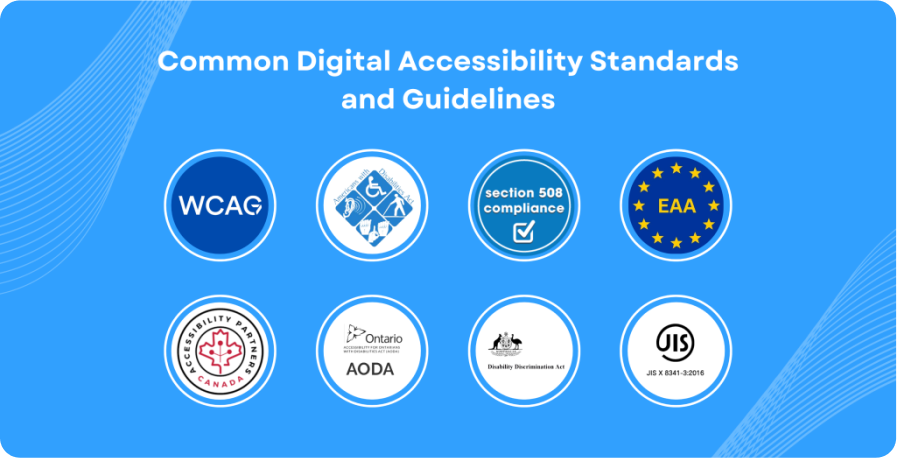
Several digital standards and guidelines have been established to help ensure web accessibility. The most widely recognized ones are mentioned below:
Web Content Accessibility Guidelines(WCAG):
The WCAG, developed by the World Wide Web Consortium (W3C), is the most widely recognized and adopted standard for web accessibility globally. WCAG is organized around four principles (POUR): Perceivable, Operable, Understandable, and Robust. The guidelines are available in three levels of conformance: A, AA, and AAA.
United States: Americans with Disabilities Act(ADA):
The ADA is a civil rights law that prohibits discrimination against individuals with disabilities in all areas of public life, including websites. While the ADA does not specify technical standards, it has been interpreted to require websites to be accessible, often using WCAG as a benchmark.
Section 508of the Rehabilitation Act:
This law requires federal agencies to make their electronic and information technology accessible to people with disabilities. The standards are based on WCAG 2.0 Level AA.
Europe: The European Accessibility Act(EAA):
The EAA aims to ensure that products and services, including websites, are accessible to people with disabilities across the EU. It complements the Web Accessibility Directive, which mandates that public sector websites and mobile apps meet specific accessibility standards, typically referencing WCAG 2.1 Level AA.
Web AccessibilityDirective:
This directive requires EU member states to ensure that the websites and mobile applications of public sector bodies are accessible. It aligns closely with WCAG 2.1 Level AA.
Canada: The Accessible Canada Act(ACA):
Enacted in 2019, the ACA aims to create a barrier-free Canada by 2040. It mandates accessibility standards for various sectors, including digital content, aligning with WCAG 2.1 Level AA.
Accessibility for Ontarians with Disabilities Act(AODA):
AODA sets out a process for developing and enforcing accessibility standards in Ontario, including web accessibility, which must comply with WCAG 2.0 Level AA.
Australia: Disability Discrimination Act(DDA):
AODA sets out a process for developing and enforcing accessibility standards in Ontario, including web accessibility, which must comply with WCAG 2.0 Level AA.
Other Global Standards:
United Kingdom:
The UK has adopted the Public Sector Bodies (Websites and Mobile Applications) Accessibility Regulations, which require public sector websites to meet WCAG 2.1 Level AA standards.
Japan:
The JIS X 8341-3 standard aligns closely with WCAG and is used for web accessibility in Japan.
Examples of Accessibility Features and Considerations:
To achieve these standards, various features and considerations can be implemented:
Alternative Text for Images:
Providing descriptive text alternatives for images ensures that users who cannot see the images can understand their context and content through screen readers.
Keyboard Navigation:
Designing websites to be fully navigable using a keyboard helps users who cannot use a mouse. This includes using tab sequences, focus indicators, and ensuring all interactive elements are accessible via keyboard.
Captions and Transcripts for Multimedia:
Adding captions to videos and transcripts for audio content ensures that users with hearing impairments can access the information.
Readable Fonts and Sufficient Contrast:
Using legible fonts and maintaining a high contrast ratio between text and background improves readability for users with visual impairments.
Forms and Input Assistance:
Ensuring that forms are accessible by providing clear labels, instructions, and error messages helps users with cognitive disabilities or those using assistive technologies to fill out and submit forms correctly.
By adhering to these guidelines and incorporating these features, web developers and designers can make websites accessible and cater to the diverse needs of all users.
Benefits of an Inclusive Digital Experience:
Creating an inclusive digital experience offers numerous advantages that extend beyond merely meeting legal requirements. Let’s explore the key benefits:
Enhanced User Experience for All Users:
Universal Design:
Implementing accessibility features often leads to a more intuitive and user-friendly design that benefits everyone, not just those with disabilities. For example, providing clear navigation and readable fonts enhances usability for all visitors.
Responsive Design:
Accessibility practices often overlap with responsive web design, ensuring that websites are easily navigable and visually appealing on various devices and screen sizes.
Increased Reach and Audience Engagement:
Broader Audience:
By making website accessible, you open it up to a larger audience, including the estimated 15% of the global population living with disabilities. This can lead to increased traffic and user engagement.
User Retention:
Accessible websites provide a better user experience, reducing frustration and encouraging users to spend more time on your site and return in the future.
Improved SEO and Search Engine Ranking:
Better Indexing:
Search engines like Google prioritize websites that are accessible. Features such as alternative text for images, proper heading structures, and descriptive link texts not only aid users with disabilities but also help search engines crawl and index your site more effectively.
Higher Rankings:
Accessible websites tend to rank higher in search engine results pages (SERPs). This increased visibility can lead to more organic traffic and potential conversions.
Positive Brand Image and Reputation:
Corporate Social Responsibility:
Demonstrating a commitment to accessibility enhances your brand’s reputation as a socially responsible organization. This can build trust and loyalty among your customers and the broader community.
Legal Compliance:
Adhering to accessibility standards helps avoid legal issues and potential lawsuits. It shows that your organization values inclusivity and is proactive in meeting legal obligations.
Customer Loyalty:
Customers are more likely to support and remain loyal to brands that prioritize inclusivity and accessibility. This positive perception can lead to increased customer satisfaction and advocacy.
By prioritizing web accessibility, organizations not only comply with legal standards but also unlock numerous benefits that enhance user experience, extend their reach, improve SEO, and foster a positive brand image. Investing in accessibility is not just about meeting requirements; it’s about creating a more inclusive and welcoming digital space for everyone.
Introducing Our Accessibility Pillar – NavEase
Ensuring your website meets accessibility standards can be a daunting task, but with NavEase, it doesn’t have to be. NavEase is a cutting-edge website accessibility tool designed to scan your site for WCAG compliance at all levels (A, AA, AAA).
NavEase – Website Accessibility Checker
NavEase offers a comprehensive accessibility index report that highlights errors, warnings, and notices free of charge. This detailed report helps you understand precisely where your website falls short in meeting accessibility standards, enabling you to take informed steps towards making website accessible.
Features and Benefits of NavEase:
Comprehensive Scanning:
NavEase performs a thorough scan of your website, checking for compliance with all levels of WCAG guidelines (A, AA, AAA).
Detailed Reports:
Receive a comprehensive accessibility index report that includes detailed findings categorized into errors, warnings, and notices. This clear breakdown helps you prioritize and address the most critical issues first.
User-Friendly Interface:
The tool is designed with an intuitive interface, making it easy for anyone, regardless of technical expertise, to understand and utilize the reports.
Free of Cost:
NavEase provides these valuable insights at no cost, making it accessible for organizations of all sizes to evaluate their website’s accessibility.
Expert Assistance:
Our team at InfoStride specializes in digital accessibility needs across both public and commercial sectors. We offer tailored assistance and solutions to ensure your website becomes fully inclusive and meets all accessibility standards.
By using NavEase, you can significantly enhance your website’s accessibility, providing a better user experience for everyone and ensuring compliance with important accessibility regulations.
How Do You Plan to Integrate Accessibility?
Web accessibility is not just about compliance; it’s about creating a digital space that is inclusive and welcoming for all users. The benefits of making accessible websites are far-reaching, from enhanced user experience and increased audience engagement to improved SEO and a positive brand image.
We encourage website owners and developers to prioritize accessibility in their digital projects. With tools like NavEase, making your website accessible is more straightforward and achievable than ever. Embrace accessibility, and take the necessary steps to ensure that your digital presence is inclusive for everyone.

Leave a Reply