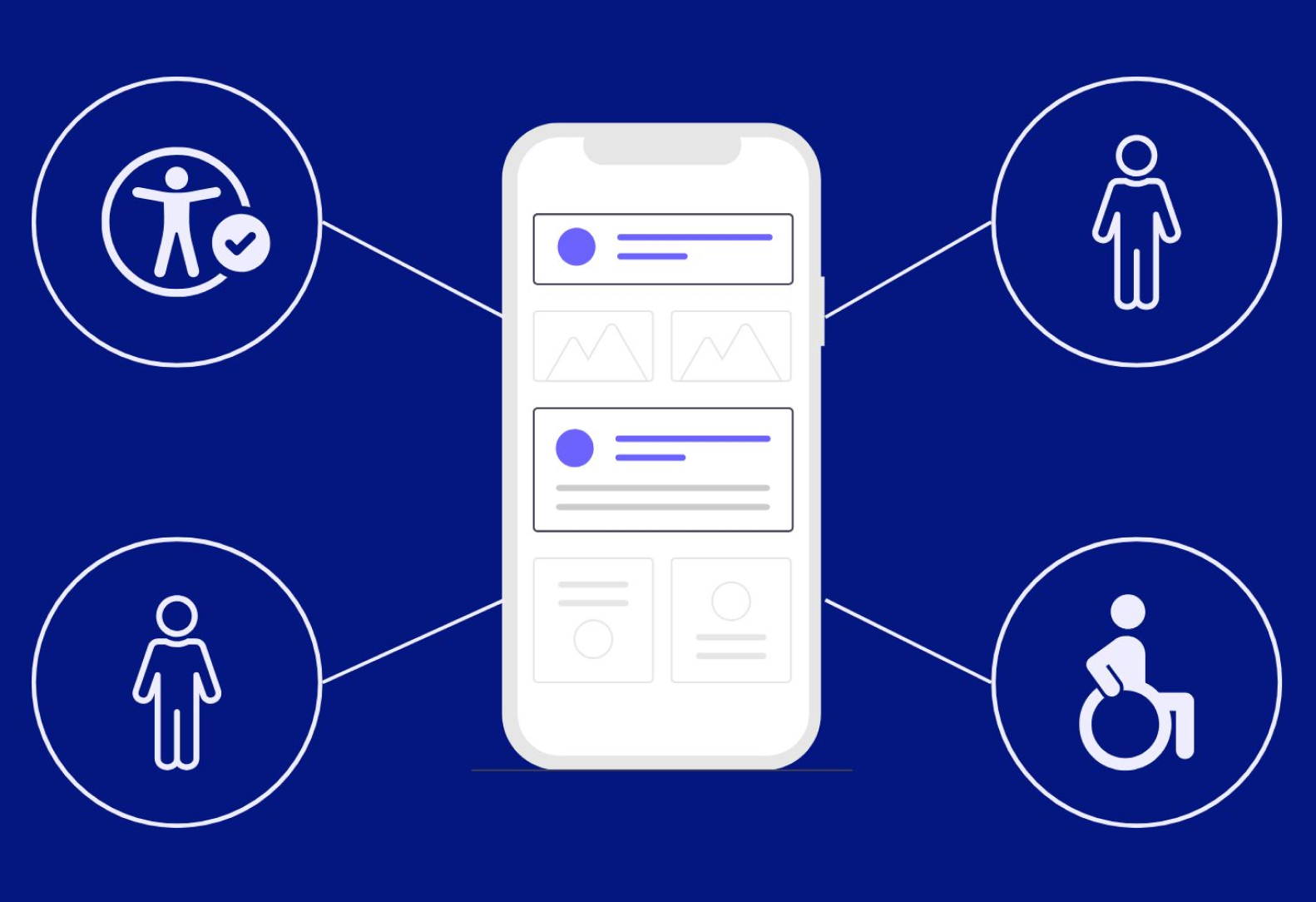
Creating accessible user interfaces (UIs) isn’t just a design preference—it’s a necessity. Accessibility ensures that digital products are usable by everyone, including individuals with disabilities, such as visual impairments, hearing loss, or mobility challenges. In an increasingly digital-first world, accessibility is not only about compliance with regulations like WCAG (Web Content Accessibility Guidelines) or ADA (Americans with Disabilities Act); it’s about fostering inclusivity and building a better user experience for all. A striking statistic by the World Health Organization reveals that over 1 billion people—15% of the global population—live with some form of disability. This figure underscores the immense responsibility designers bear in crafting user interfaces that don’t exclude anyone.
For designers, the journey toward accessibility can seem daunting. How can you ensure your color choices, typography, and navigation cater to such a diverse audience? The answer lies in leveraging the right tools. Accessibility tools are indispensable for identifying gaps, testing inclusivity, and refining designs to meet universal standards. By equipping themselves with these tools, designers can create UIs that not only comply with accessibility guidelines but also deliver seamless, intuitive experiences for all users. This blog will explore some of the most effective tools that can empower designers to embrace accessibility in their design workflows.
Challenges Designers Face in Ensuring Accessibility
Designing accessible user interfaces can be a complex task, even for seasoned professionals. From navigating intricate accessibility standards to balancing usability with visual appeal, designers often encounter several obstacles that can hinder their ability to create truly inclusive experiences.
1. Lack of Knowledge About Accessibility Standards
- Many designers are unfamiliar with essential guidelines like the Web Content Accessibility Guidelines (WCAG).
- Uncertainty about what qualifies as accessible design often leads to unintentional exclusion of users with disabilities.
- Keeping up with evolving standards and legal requirements adds to the complexity.
2. Difficulty Integrating Accessibility into the Design Workflow
- Accessibility is often treated as an afterthought, rather than being embedded in the initial design process.
- Retroactively fixing accessibility issues can be time-intensive and costly.
- Designers may lack access to user-friendly tools or processes to validate accessibility at each stage.
3. Balancing Aesthetics with Functionality
- Designers face pressure to create visually striking interfaces that may not align with accessibility needs.
- Features like low-contrast color schemes or decorative fonts might look appealing but hinder usability for people with visual impairments.
- Striking the right balance between beauty and usability requires thoughtful planning and an inclusive mindset.
By addressing these challenges head-on, designers can pave the way for more inclusive and functional digital experiences that serve all users effectively.
Essential Accessibility Tools for Designers
Equipping yourself with the right tools can make accessibility in UI design far more manageable. These tools help designers address key challenges, ensuring their designs are inclusive, user-friendly, and compliant with accessibility standards.
a) Color Contrast Checkers
Color contrast is a critical aspect of accessibility, as it directly impacts the readability of text against backgrounds. Tools like Contrast Checker, Stark, and Color Oracle enable designers to assess whether their color combinations meet WCAG standards. By identifying insufficient contrast ratios early in the design process, these tools help ensure that content is accessible to users with visual impairments or color blindness.
b) Screen Readers and Simulators
To design for visually impaired users, it’s vital to understand how they interact with digital interfaces. Screen readers like VoiceOver, NVDA, and ChromeVox simulate the experience of navigating a website without visual cues. These tools allow designers to test how well their layouts, labels, and descriptions are conveyed, ensuring a seamless experience for screen reader users.
c) Keyboard Navigation Testers
Many users with mobility impairments rely on keyboards instead of mice to navigate websites. Tools like Focus Indicator help designers evaluate the operability of their interfaces using keyboard commands alone. Ensuring logical tab orders and visible focus indicators can significantly enhance usability for these users.
d) Accessibility Checkers and Plugins
An accessibility checker like NavEase is indispensable for identifying accessibility gaps in designs. NavEase offers a free accessibility checker that scans websites for compliance with WCAG standards, making it easier for designers to address issues early on. These tools provide actionable insights into areas such as missing alt text, ARIA roles, and semantic HTML, simplifying the journey toward inclusivity.
e) Prototyping Tools with Accessibility Features
Modern prototyping tools like Adobe XD, Sketch, and Figma have integrated accessibility features or plugins to streamline inclusive design. For example, plugins can highlight contrast issues, simulate color blindness, or test designs against WCAG guidelines. These tools empower designers to address accessibility concerns right from the wireframing stage.
f) Inclusive Fonts and Typography Resources
Typography plays a significant role in accessibility. Tools like Google Fonts and specialized accessible font libraries provide options that prioritize readability. Fonts designed for dyslexia, such as OpenDyslexic, can help ensure users with learning disabilities can engage with the content effectively. Choosing clear, legible fonts and maintaining proper line spacing can make a world of difference in user experience.
By integrating these tools into their workflows, designers can confidently create user interfaces that are not only beautiful but also inclusive, functional, and accessible to all.
Integrating Accessibility into the Design Workflow
Making accessibility an integral part of your design workflow ensures that inclusivity isn’t an afterthought but a foundation of your process. By embedding accessibility principles early and consistently, designers can create digital experiences that cater to a diverse audience. Here are some tips for seamless integration:
1. Start with Accessibility in Mind During Brainstorming
Accessibility should be a key consideration right from the ideation phase. Discuss user needs and potential barriers during brainstorming sessions to ensure your designs are inclusive from the outset. For instance, consider how users with visual, auditory, or mobility impairments might interact with your interface. Building accessibility into your concept ensures it remains a priority throughout development.
2. Use Tools to Validate Designs at Each Stage
Incorporate accessibility tools into every step of the design process. During wireframing, use plugins or features in tools like Figma or Sketch to check for color contrast, legibility, and screen reader compatibility. As your design evolves, rely on tools like NavEase or Wave to validate compliance with WCAG standards. Regular checks reduce the risk of costly revisions later.
3. Collaborate with Developers and Testers
Accessibility is a team effort. Work closely with developers to ensure that the designs are implemented with accessibility best practices, such as proper semantic HTML and ARIA roles. Encourage QA testers to use assistive technologies like screen readers or keyboard navigation during their evaluations. This collaborative approach ensures that accessibility standards are maintained across the entire product lifecycle.
By embedding accessibility at every stage—from brainstorming to testing—you not only streamline your workflow but also guarantee a more inclusive and user-friendly final product.
The Future of Accessibility in Design
The future of accessibility in design is being reshaped by emerging technologies and a growing commitment to inclusivity. AI-driven accessibility tools are at the forefront, offering automated solutions to identify and resolve potential accessibility issues. These technologies not only save time but also enhance accuracy, making it easier for designers to meet standards like WCAG without extensive manual effort. Innovations such as real-time feedback during design creation and predictive adjustments for user needs are transforming the accessibility landscape.
Globally, organizations are placing a greater emphasis on inclusive design, recognizing its value for both social responsibility and business growth. Companies are increasingly prioritizing accessibility as part of their corporate strategies, fostering a culture of inclusion. This shift underscores the need for designers to stay ahead of the curve by adopting accessible design principles and leveraging advanced tools to create user-friendly, compliant interfaces.
Accessibility: A Path to Better Design
Accessibility isn’t just a technical requirement—it’s a commitment to inclusivity that elevates the user experience for everyone. By integrating accessibility into the design process, designers can create interfaces that are not only visually appealing but also functional for all users, regardless of their abilities.
To achieve this, leveraging tools like NavEase is essential. NavEase provides designers with the resources they need to identify accessibility gaps and build compliant interfaces effortlessly. Recognized by DesignRush as the best Website Accessibility Checker Tool, NavEase is a trusted solution for ensuring your designs are inclusive and user-friendly. Ready to take your designs to the next level?
Leave a Reply